 LandOffer
Job search · Applying
Jobright Alternatives for Job Matching, Autofill, and Resume Tailoring
A Jobright alternative should solve the specific part of your search that is not working. Compare LandOffer, Simplify, Teal, and Huntr by job discovery, resume work, form filling, and tracking, then test one real role before moving your routine.
The best Jobright alternative depends on why you want to change tools. If the recommendations are noisy, prioritize better role discovery. If you want to check every field before an employer sees it, examine the application control model. If your applications are hard to organize, look for a tracker you will actually maintain. A new product with the same long feature list will not fix a problem you have not named.
Jobright's public site describes matched jobs, autofill, tailored resumes, and an AI Agent. Below, the alternatives are grouped by the jobs they can help you do, using their current public descriptions. This is not a hands-on ranking, a coverage guarantee, or a claim that any tool improves interview outcomes. If you need a fresh sample of employer openings while comparing tools, browse recent roles on LandOffer.
First, define the part of Jobright you want to replace
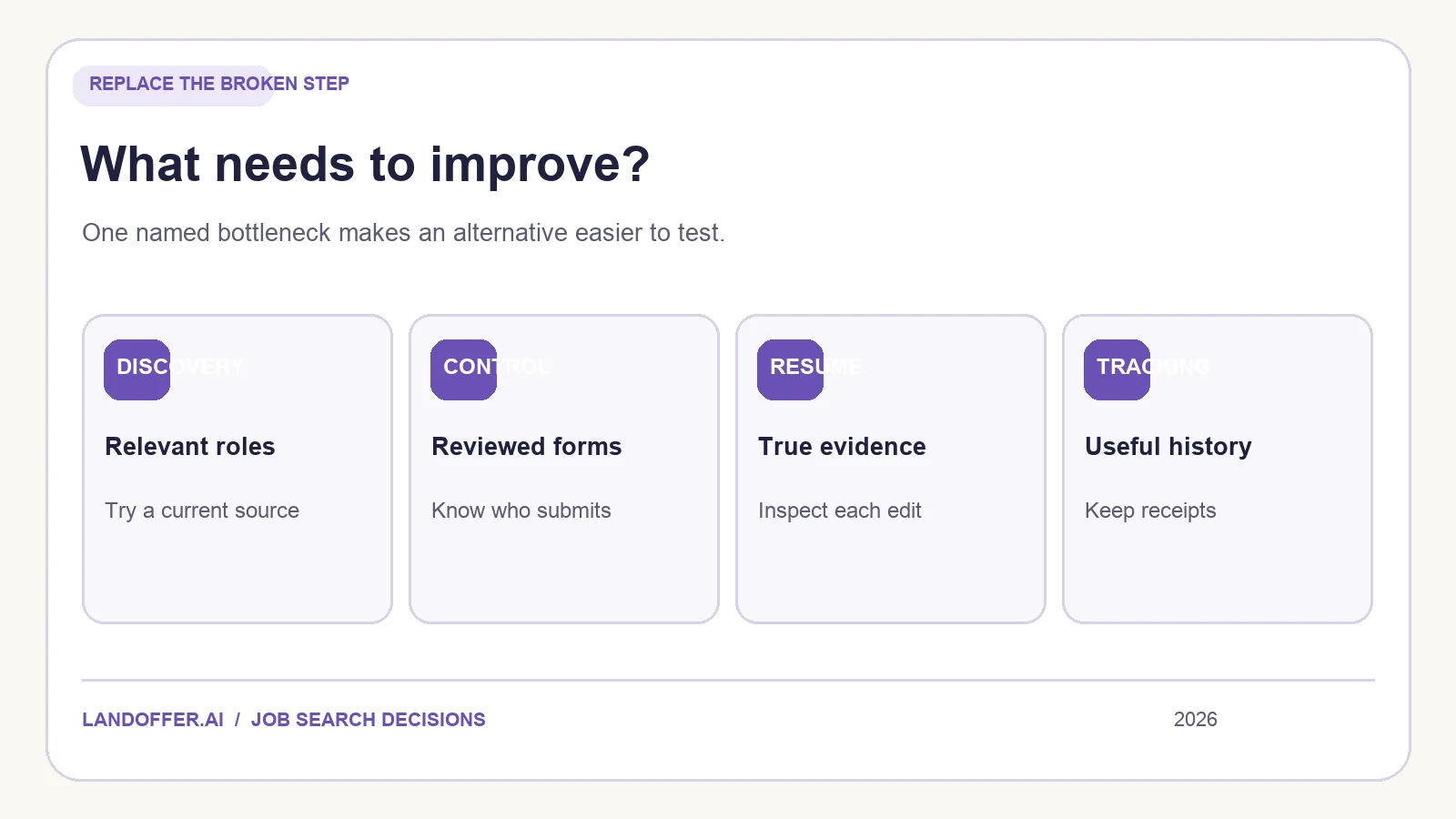
Write one sentence before opening another product: “I need fewer irrelevant roles,” “I want to approve the form myself,” “I need stronger evidence in my resume,” or “I lose track after applying.” That sentence becomes your test criterion. If you have two problems, rank them. Changing both your discovery source and your application method at once makes it difficult to tell what improved.
Separate four events in your own records: discovered, saved, form filled, and submitted. A recommendation is not an application, and a completed form is not a receipt. Keep the employer's posting URL and any requisition ID when moving between tools. That prevents the same opening from becoming two unrelated cards in two dashboards.
The shortlist below focuses on LandOffer, Simplify, Teal, and Huntr because their official pages cover distinct tasks. It does not mean they are identical substitutes for Jobright's Agent. Check the current account features and plan limits for the exact workflow you intend to use.
LandOffer: fresh discovery plus applicant-reviewed autofill
LandOffer displays recently spotted jobs and offers a Chrome extension for selected application systems. Its published autofill guide walks through Greenhouse, Lever, and Ashby forms: the extension fills fields from a profile, flags some generated or assumed answers, and leaves the final submit to the applicant. The current privacy page lists additional permitted sites, including Workday and SmartRecruiters, and distinguishes the extension from opt-in AI Agent Apply, which can submit in the cloud. Check the extension's current permissions and the mode you are using.
LandOffer is worth testing when you want a recent-role feed and a deliberate final review of forms on supported portals. Open the employer's own posting to confirm the role, then try the extension on a single application you actually want to send. Check the profile, document attachment, work authorization, AI-drafted answers, and final confirmation. The presence of an Autofill panel does not guarantee that every field needs no correction.
If a particular portal dominates your search, verify its current support and browser permission before making this your primary filling tool. Likewise, a recent discovery timestamp does not establish when an employer began interviewing. The useful question is whether the feed helps you find relevant roles you would otherwise miss.
Simplify: broad Copilot workflow and a connected tracker
Simplify Copilot describes autofill, resume feedback, AI responses, and a tracker. Its autofill guide instructs applicants to inspect the completed page and submit it themselves. Tracker help explains saved jobs, applications, documents, and follow-up stages, with some records added automatically and others needing manual entry.
Simplify may suit you if repetitive applications and keeping the resulting records together are the central problem. Test the exact employer system you use most often. Compare one form before and after filling, then inspect the tracker entry against the employer's confirmation. If you are considering paid AI writing or tailoring, check the current Simplify+ plan details in your own account; do not rely on a stale price in an alternatives article.
For a deeper task-by-task test, see our Simplify Copilot review. The key tradeoff is whether you value a broad extension-led process or need the specific matching and Agent behavior that led you to Jobright in the first place.
Teal: organize a multi-role search
Teal's Job Tracker focuses on saving roles, tracking statuses, keeping notes, and connecting resume work to opportunities. Its Chrome extension can help bookmark jobs from external boards. That makes Teal a candidate when your discovery sources are already good but your application history lives across tabs, files, and reminders.
Do not confuse “saving jobs from a board” with automatically submitting to the employer. For a fair trial, add three types of opportunity: one saved for later, one actively being prepared, and one already submitted. Attach the right resume version, set a next action, and see whether the views help you find what needs attention this week. If you cannot easily tell saved from submitted, change your status definitions before importing a large backlog.
Teal may be less relevant if your only requirement is a specialized autofill workflow on a particular employer portal. Check the feature itself rather than choosing based on the general label “AI job search.”
Huntr: application tracking with resume support
Huntr presents a job tracker, resume builder and tailoring, and application autofill. The breadth makes it an alternative when you want to connect documents to applications without adopting Jobright's matching-first experience. As with every multifunction product, public descriptions do not tell you how accurately it handles your forms or whether its tracker reflects the employer's final confirmation.
Try a small board with two role families and one real application. Can you retrieve the posting, resume file, dates, contacts, and next action without reconstructing your browsing history? If you use its resume suggestions, compare each changed claim with the original evidence. If you use autofill, check the form before submitting and keep the receipt afterward. This is a more meaningful test than comparing the number of dashboard features.
Check the current free and paid feature boundaries inside the product before migrating a large search. A workflow is only economical if the core task you need remains available at a cost you accept.
Do not lose application history when switching
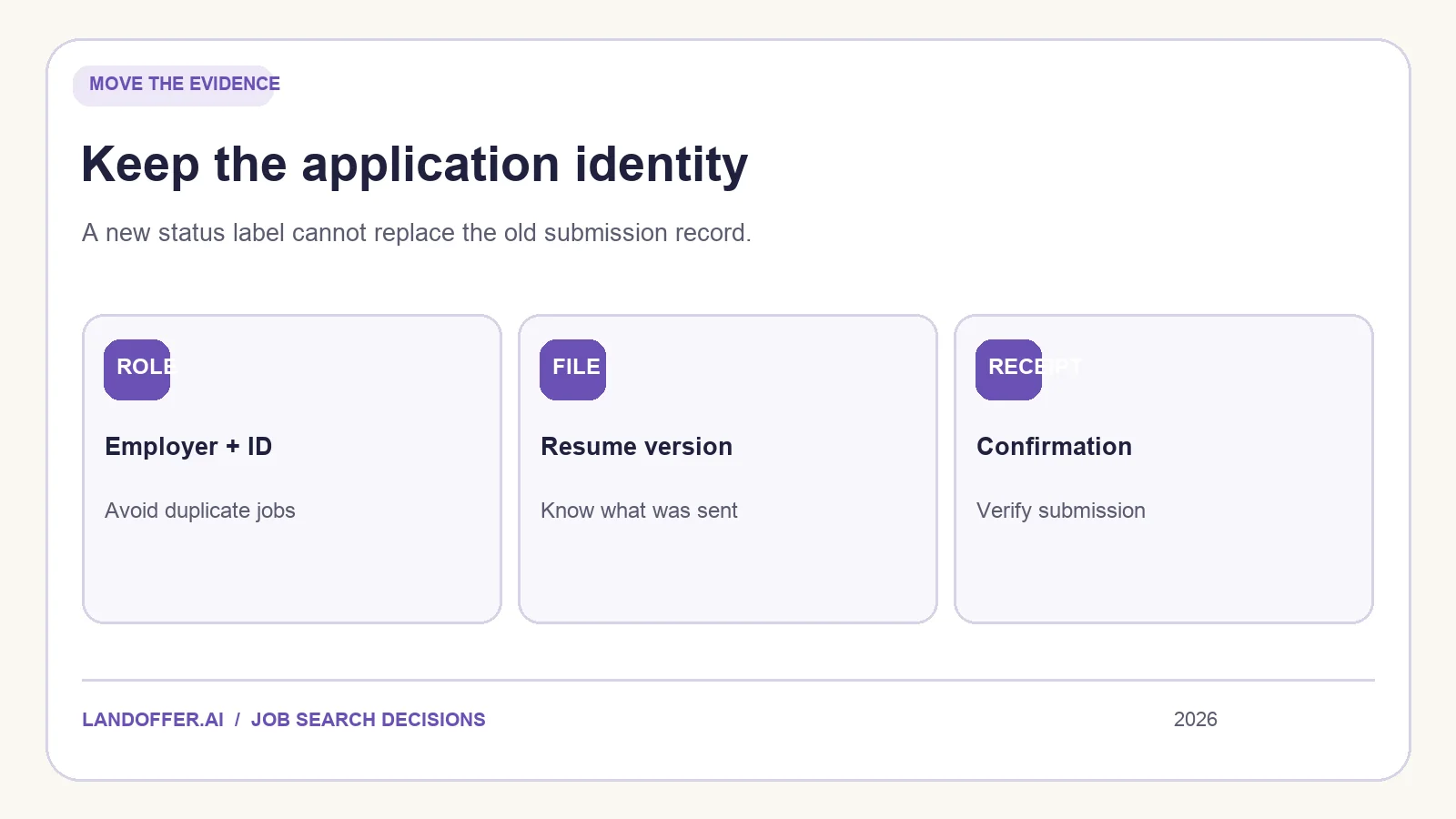
Changing tools mid-search can create duplicate applications or misleading statuses. Export your records if the current tool allows it, or make a small manual list of active roles. For each, retain the employer URL, requisition number, actual submission date, resume version, confirmation, recruiter contact, and next action. A new board can call a row “applied” only if you can connect it to the earlier submission.
Test the replacement on a narrow sample before moving everything. Pick two employers and a role family. Compare what the old and new tools show for the same openings. If one tool finds a role and the other does not, check the employer's site; neither feed alone decides whether a job is open. If both surface the same role, store one application identity and two discovery sources.
Avoid evaluating an automatic agent by application volume. If the agent chooses roles or sends documents on your behalf, understand how to approve, exclude, pause, and review outcomes. More submitted forms do not by themselves show better fit, more interviews, or accurate answers.
A practical choice
Choose LandOffer to test a fresh-role feed with a user-reviewed autofill extension on a currently supported portal. Choose Simplify to test Copilot filling and a connected tracker. Choose Teal when organizing a multi-role pipeline is the priority. Choose Huntr when you want to test a combined tracker and resume workflow. None is a universal replacement for all of Jobright's described features. Keep the part of your existing process that works and replace the part that fails your one-role test.
To begin, browse recent roles on LandOffer, pick one employer posting, and write down the evidence you need before you submit. The right alternative is the one that helps you make that decision accurately and preserve what happened afterward.