 LandOffer
Job search · Autofill
Simplify vs. Jobright: Compare Matching, Autofill, and Resume Workflows
Simplify and Jobright both describe matching, resume help, and faster applications. The important differences emerge when you trace one real role from discovery to submission. Use this comparison to test the same tasks in each product without treating vendor metrics as independent results.
Simplify and Jobright overlap enough that a feature checklist will not choose for you. Both describe job discovery, resume help, and assistance with applications. The better comparison follows one role from the employer's posting through the resume file, filled form, final submit, and later tracking record. Simplify Copilot emphasizes a browser extension that fills a form for you to review and submit. Jobright describes matching, autofill, resume editing, and an AI Agent that may also apply. Those are the companies' own descriptions; we have not run a matched, signed-in test of both services.
Start with your bottleneck. If repeated forms consume your time, inspect the applicant-reviewed filling flow. If finding suitable roles consumes your time, inspect the recommendations first. You can browse recent jobs on LandOffer as an independent shortlist for the same roles you use in the comparison.
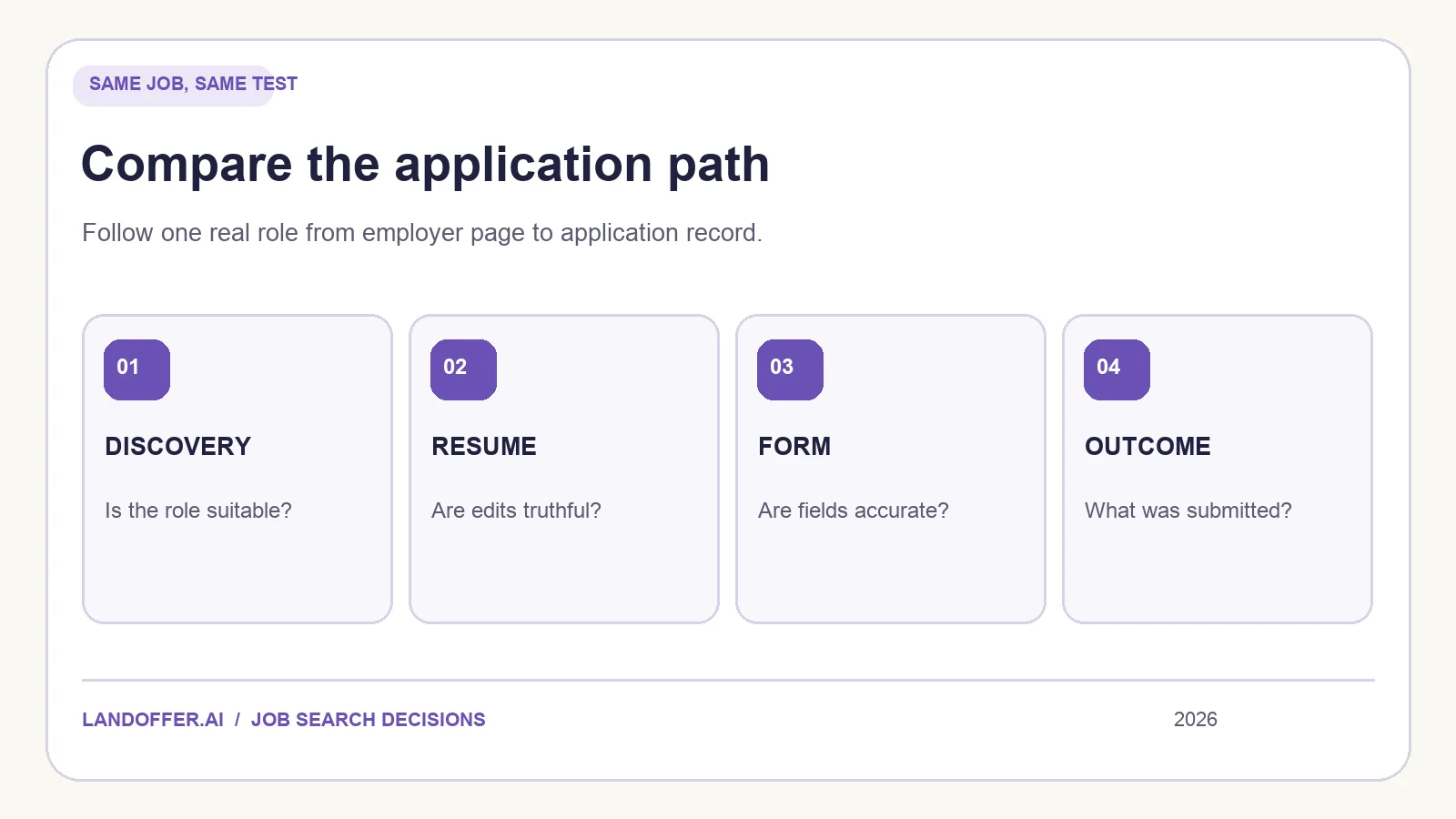
Compare the same application, not two marketing pages
Choose a role you would genuinely apply to, and write down its employer URL, location, level, and hard requirements. Use the same profile and base resume in both tools. A comparison based on different jobs or differently completed profiles can make one tool look better for reasons unrelated to the product.
Track five decisions: whether the job was surfaced, whether the recommendation is relevant, whether the resume edit stays factual, whether the form is completed accurately, and whether the final application state is evidenced. You do not need to submit twice. Complete one real application through the workflow you choose; evaluate the other up to the point of final submission and stop. This avoids creating duplicate employer records merely to test software.
| Decision | Simplify: check this | Jobright: check this |
|---|---|---|
| Find a role | Are matches or curated lists relevant to your stated constraints? | Do suggested roles lead to current employer postings at the right level? |
| Prepare a resume | Do suggestions clarify work you can prove? | Does the AI revision retain your true scope, dates, and technologies? |
| Fill a form | Does Copilot correctly map profile facts and leave you to review? | Does the chosen autofill mode expose every answer you need to check? |
| Submit | Confirm you make the final submit in the Copilot flow. | Determine whether you are using assistive autofill or an Agent mode that can submit. |
| Keep a record | Does the tracker capture this particular application and document? | Can you see the employer, file, outcome, and any agent actions? |
This table is a test plan, not a scorecard. A feature can exist and still require manual corrections in the forms or roles that matter to you.
Discovery and matching
Simplify's Copilot page links its extension with curated jobs, matches, and a tracker. Jobright's homepage leads with personalized matches and early alerts. Neither promise tells you whether a particular employer's role is still active or meets your salary, visa, location, and seniority constraints. Open the employer page from each suggestion and compare the requisition number, location, and description.
Use a small sample with clear inclusion rules. For example, select ten mid-level backend openings in a location you can work from. Mark each as plausible, unclear, or excluded; write one sentence explaining why. An “unclear” role is not necessarily bad matching. It may need an answer about on-call responsibilities or required years in a language. But if most suggestions fail a hard constraint you supplied, the recommendations are not helping you narrow the search.
Don't compare the number of roles advertised in a vendor's database. Coverage, refresh cadence, duplicates, and ranking quality are separate questions. Likewise, a posting you discovered first in one tool may already be in another. Judge the employer listing itself, not the surface where you first saw it.
Resume feedback and tailoring
Both products market resume help. Simplify describes a score tied to the job description and suggestions for improvement. Jobright's resume page describes analysis followed by an AI-refined downloadable resume. The practical question is whether the changed document expresses your existing evidence better.
Take one original bullet and compare the suggested changes. Suppose it says you maintained a Python data pipeline. If the job requires reliable batch processing, a good revision might specify the checks you built and the volume you can verify. A poor revision might change “maintained” to “architected” or add Spark when you did not use it. Neither a match score nor polished prose verifies those claims. You must approve the final document and inspect its exported file.
For each product, keep the base version, suggested version, and final edited version. Count claims that needed factual correction, not just words that changed. Check whether links and dates survive export. If a product produces a good explanation of gaps but not a usable file, it may still help with planning; it should not automatically replace your current resume process.
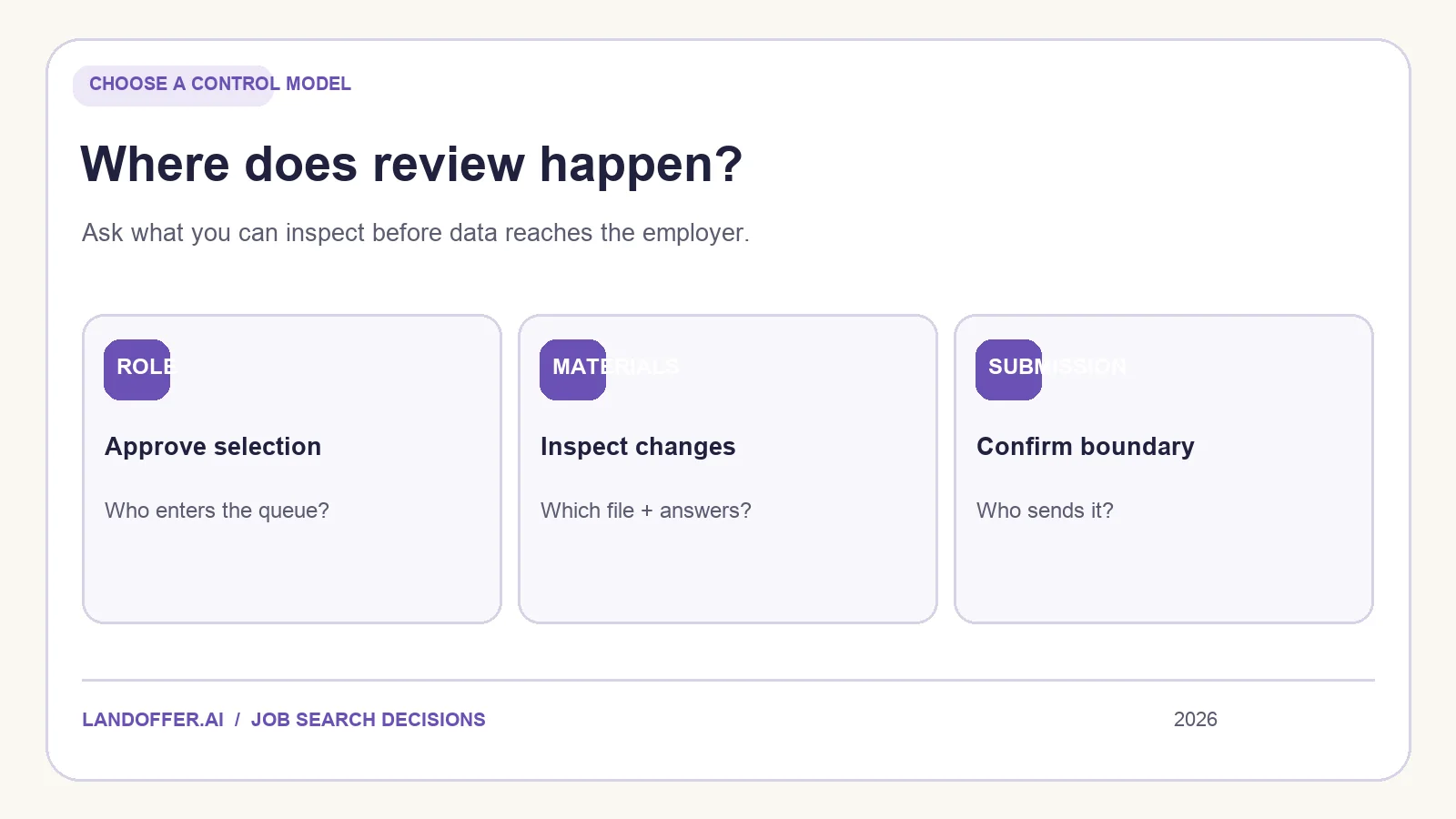
Autofill and who presses submit
Simplify's Copilot walkthrough explicitly ends with the candidate reviewing the page and submitting the application. Its extension can save answers to repeated questions. Check those answers against the wording on the current employer form; an old answer may be reused even after your circumstances change.
Jobright's homepage advertises autofill, while its Agent page describes matching, customizing, and applying. Do not infer the control model of one mode from the name of the other. In a signed-in account, locate the actual settings for job selection, generated answers, employer exclusions, final approval, stopping the process, and seeing a submission receipt. We have not verified those controls end to end. If the mode you intend to use does not make the submission boundary clear, that is material to your decision.
For either tool, inspect work authorization, sponsorship, salary expectations, location, optional demographic responses, agreements, and the attached resume. These are statements from you to an employer. A quicker form only helps if you still know what it says.
Tracking and follow-up
Simplify's tracker help describes automatic records for some applications and manual entry for custom ones. Check which case your own application falls into. Jobright also promotes tracking around its Agent workflow; test whether the record names the employer, exact role, document, submission event, and next action. A dashboard label is useful only when it corresponds to something you can verify.
Set your own status definitions before testing. “Saved” is not “applied”; “autofilled” is not “submitted.” Keep the employer confirmation email or portal record for a real application. If the outcome is ambiguous, leave it in “needs verification” rather than clicking submit again immediately. The distinction becomes especially important when two tools can reach the same job.
Which one should you try first?
Try Simplify first if your clear bottleneck is typing repeated forms and you prefer to inspect every application before you press submit. Try Jobright first if you want to test a broader matched-role and resume workflow and are prepared to inspect the Agent's exact controls. Neither recommendation means the tool will suit every employer portal or improve your interview odds. The quickest responsible test is one role, one base resume, and an explicit record of what each tool did.
If neither role feed meets your constraints, keep discovery separate from form filling. LandOffer's recent-jobs view can supply candidates for your shortlist while you evaluate how to prepare and submit them. For a deeper look at each product, see our Simplify Copilot review and Jobright review.
Choose the workflow that lets you explain the employer, the file, the answers, and the final submission for every application. Start by browsing recent roles and applying that same test to one opportunity you would pursue.