 LandOffer
Job search
Careerflow Review: Resume Tools, Autofill, and Job Search Organization
Careerflow is an integrated candidate workflow worth trying when connected resume, form and follow-up records solve distinct problems; unclear public limits constrain a free-only recommendation.
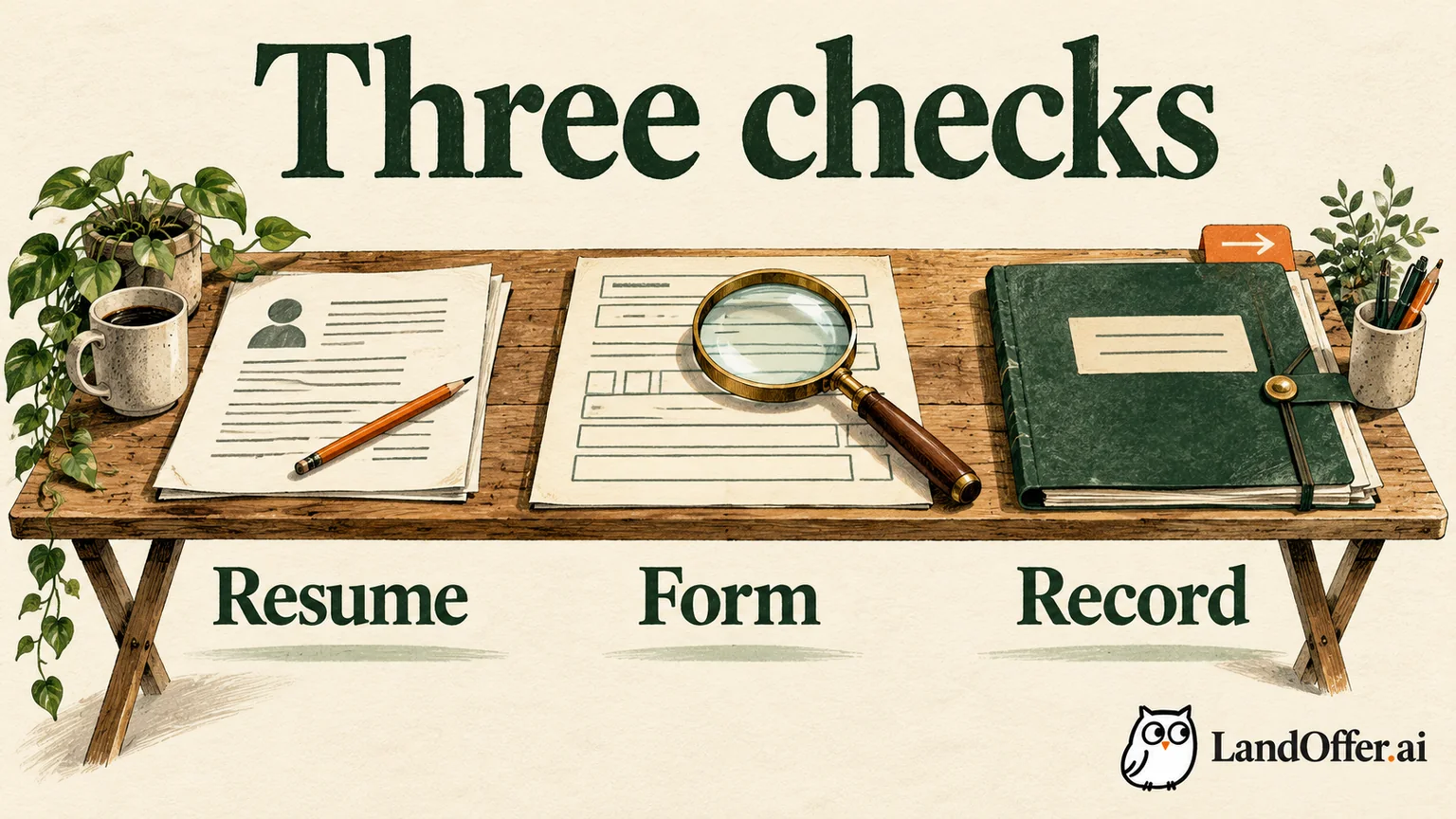
Careerflow is worth considering when you want resume drafting, application autofill and job records in one workspace. Its strongest documented value is keeping a targeted resume close to the relevant job record and application work. You still need three separate checks: whether the resume is truthful, whether the employer form is accurate and whether the tracker reflects what happened. A connected interface does not prove any of those results.
This is a review of current public documentation, checked October 8, 2026, with fictional worked examples. We did not create an account or test signed-in features. LandOffer publishes this review and also offers job-search tools. You can browse recent roles on LandOffer.ai, then use whichever preparation and tracking routine fits your search.
What Careerflow connects, and where the checks differ
Careerflow's resume-builder guide distinguishes a comprehensive Base Resume from a Job-Tailored Resume linked to a description. The targeted workflow selects skills, generates suggestions and offers acceptance, rejection, manual edits and a comparison view. That is a useful review structure: you can inspect a change against the source document instead of treating the final page as automatically correct.
The Base Resume shows a Resume Analysis Score. A targeted version adds job-related skill feedback. The distinction matters because a general document check and a comparison against one role answer different questions. A complete resume can be a weak fit for a particular job; a keyword-rich draft can still contain an inaccurate date. Neither score establishes how an employer will screen you.
The tracker guide describes status organization, notes, deadlines, reminders and links to resumes. These help retain context when you return to a role. That connection helps when you need to find the resume and conversation notes for one role. It does not replace checking the posting's current requirements or recording an employer confirmation.
Autofill takes saved profile information into an employer form. Its accuracy depends partly on whether that information is current and whether the form receives the intended values. Resume editing, profile maintenance and tracker updates therefore have different failure modes. Review the output of each lane separately.
Free and paid access: useful limits, unresolved differences
Careerflow's Premium page lists Basic as free, with one resume and limited features. The provider describes Premium as expanding resume creation and AI writing; we did not verify a paid account's entitlements. Its publicly displayed totals include $8.99 for a week and $23.99 for a month; Premium Plus displays $19.99 weekly and $44.99 monthly. Longer periods appear too. Compare the total and period selected before paying; a monthly equivalent on a longer plan is not the amount charged each month.
The help center's Free vs. Premium table, dated December 23, 2025, gives a more specific free tracker limit of ten jobs. The current Premium page instead describes tracking as limited and also says it will be limited soon. Those statements do not establish a single verified account entitlement today. We would not recommend a free-only long search based on an assumed unlimited tracker.
| Intended task | Publicly documented boundary | Practical decision |
|---|---|---|
| Build one resume manually | Free allows one resume; basic analysis | A reasonable small starting task if one document is enough |
| Use AI bullet writing or one-click optimization repeatedly | Help table places these in paid access | Judge the paid writing workflow, rather than assuming the free builder includes it |
| Keep eleven or more role records | Help says ten free jobs; current pricing wording differs | Confirm the account limit before migrating a larger history |
| Reuse a profile on forms | Free page labels autofill limited; supported-site documentation narrows coverage | Do not plan around unlimited use or every employer form |
Here is a completed budget decision, not an account test. Amara has one existing resume and eight shortlisted roles. Her main problem is misplaced job notes, so she keeps her current editor and tries the free organization features only if her account permits the eight records. She does not pay for AI writing merely to store those notes.
If her shortlist grows to eleven, the unresolved free cap becomes relevant. She keeps all eleven in her existing spreadsheet while checking entitlement. Reaching that boundary can feel disruptive, but Amara can preserve the history in her existing spreadsheet while resolving the limit. If repeated targeted editing later becomes valuable, she can evaluate Premium for that specific work. These choices follow from the documented boundaries; no purchase or product result occurred in our review.
A completed resume review: improve wording without adding experience
The following source facts are invented for teaching. Amara completed a reporting internship at Bracken Metrics from February through May 2026. She assembled an Excel workbook from weekly support exports, used pivot tables to compare ticket categories and checked a sample of rows against the source files. Her supervisor used the workbook in a team review. She did not build a live data pipeline, measure a response-time improvement or lead the support team.
The fictional BM-73 posting asks for spreadsheet reporting, careful data checks and written explanations of findings. Those requirements make Amara's actual work relevant. Her rough bullet reads:
Helped with reports and made spreadsheets for the support team.
A tempting but unsupported replacement reads:
Led support analytics automation, reducing response time by 35% with a production reporting pipeline.
This is an authored example of wording to reject, not output we obtained from Careerflow. The leadership, automation, percentage and production claims have no source in Amara's record. A higher-looking skill match would not make them true.
The reviewed bullet is:
Built an Excel workbook using pivot tables to compare weekly support-ticket categories; checked sample rows against source exports and summarized findings for a team review.
The revised sentence supplies the tool, task, checking method and use of the work. It does not convert participation into leadership. It also avoids promising a numerical impact when the source contains none. Amara retains her real title and dates, and lists pivot tables only because she used them.
Careerflow's documented compare and accept/reject controls are suited to this kind of review. The useful habit is to evaluate each new claim, not accept an entire rewrite because its wording sounds stronger. If a term is absent from the source, either find real evidence for it, narrow the sentence or leave it out.
Check the downloaded document after editing as well. Confirm the title, dates, links, section order and whether the intended bullet survived the export. This review did not download a Careerflow file, so export quality remains unmeasured. The recommendation is to inspect the document you will actually attach, not assume a preview proves the file.
Autofill coverage is not the same as job capture
Careerflow's supported-sites article separates saving jobs from filling application forms. Its capture list includes many boards. Its autofill list names Greenhouse, Lever and several specific employer/form systems. The autofill tutorial names a broader list, while marketing uses much broader compatibility language.
The supported conclusion is specific: Careerflow documents form assistance on named systems, but the current public pages do not supply one fully consistent coverage boundary. Saving a job from a site does not prove that the extension can fill that site's application. A named ATS also does not establish every employer customization, required field or future version.
The tutorial says you must be logged in, activate the floating autofill control and review or modify filled information before submitting. That supports a candidate-review workflow for the described feature. It does not measure its reliability or justify skipping a required question. If filling does not activate, check support and the active extension, then finish manually rather than repeatedly invoking it without inspecting the page.
A completed form-and-record repair
Return to the fictional BM-73 application. Amara's old reusable profile lists her internship as ending in April. Her source record and reviewed resume say May. Before filling the form, she corrects the reusable profile. That correction matters because an accurate resume cannot repair an inaccurate value copied from another source.
In the illustrative form review, three fields need distinct treatment. Employment dates must say February–May 2026. The resume attachment must be the reviewed BM-73 file. A role-specific question asking how she checked reporting data receives a short answer about comparing sample rows to support exports. She does not paste the entire bullet into an unrelated availability question.

Her final teaching record reads: Bracken Metrics, BM-73, reviewed resume version, internship end May 2026, data-check answer reviewed, application still in preparation. She has not submitted, so the status stays in preparation even though the form is filled. The next action is to review the employer's final summary and any required declarations.
If she later submits and receives a confirmation, she records that event and updates the status. If she stops on a page error, she keeps the unfinished state and the error note. Automatic saving or a manually moved card cannot stand in for the employer's receipt. This example ends with a corrected, unsent package; it does not invent an interview, response or successful submission.
Maintenance continues after the first fill. For Amara, the weekly review has a concrete output: eight existing role records, the BM-73 document associated with the correct job, and one preparation task that still needs attention. If she saves the same posting again through another route, she checks the employer and job reference before creating a second record.
This is also how to judge the integration without inventing a speed comparison. Ask whether the system lets you recover the correct material and next action with fewer places to search. We did not measure click counts or time saved. A convenience claim should remain an expectation until your own recurring task demonstrates it. Keep a dated local copy of the source posting and reviewed resume so an account or page change does not erase your preparation context.
After the initial review, a changed phone number belongs in the reusable profile. A recruiter conversation belongs in the relevant job note. A new resume file must be associated with the correct role. Integration helps keep those objects close, but someone still has to maintain the relationship between them.
Who should try Careerflow, and who should keep their routine
Careerflow is most plausible for someone whose resume versions, saved jobs and application context are currently disconnected. The Base Resume and Job-Tailored Resume structure offers a documented way to separate a broad source from role-specific writing. Notes and reminders then preserve what happened around that role.
It is a weaker reason to switch when your existing editor and tracker already keep materials accurate. If you need only job storage, unresolved free caps and migration work may outweigh the benefit. If your applications mostly use unsupported custom forms, judge Careerflow's resume and tracking tools independently rather than buying on universal-autofill language.
There is also a data decision. The privacy notice describes collection of profile, education, employment and resume information, with additional recording data when AI interviews are used. Read the current notice for the features you enable. Public policy language is not a security audit, and this review does not rate privacy safeguards. Use only information you are comfortable supplying and retain your own source documents.
Before upgrading, name the task the paid plan would remove: repeated truthful resume rewrites, deeper feedback or another documented feature you need. Keep the smallest sufficient plan and record its actual billing period. A promotional hiring multiplier is not evidence that the purchase will improve your individual outcome.
For your next role, browse recent roles on LandOffer.ai. Opening that page is a discovery step; read the employer's current role and instructions before preparing an application. Choose one relevant posting and apply the three checks to it: truthful resume, accurate form, faithful record. Keep your current tools if they already support that work.
Sources and Further Reading
- Careerflow Premium plans: public access and billing displays checked October 8, 2026.
- Free vs. Premium Access: detailed limits; inconsistencies with pricing are retained above.
- AI Resume Builder guide: base/targeted documents and review controls.
- Using Autofill: documented candidate review and supported forms.
- Supported job boards and forms: distinct capture and autofill lists.
- Job Tracker guide: organization features.
- Careerflow privacy notice: data practices described by the provider.