 LandOffer
Job search
Auto-Apply Job Tools: A Checklist for Control, Accuracy, and Submission Evidence
Delegate only the permission model you understand, and distinguish an attempted submission from acknowledged employer receipt.
Choose an auto-apply tool only after you understand what it may submit, which answers it may generate, how to stop future work, and what evidence it keeps. Application volume is a poor starting criterion if the tool can send the wrong resume, misread an eligibility question, or label an uncertain attempt as complete. A useful service should make those boundaries understandable before you delegate a real application.
This is a documentation-based buying checklist, checked on October 8, 2026, with fictional worked examples. We did not run application agents or submit jobs for this guide. LandOffer publishes it and offers application-related tools, so the same criteria apply to LandOffer. You can browse recent roles without treating discovery as permission for an agent to apply.
First identify the exact permission model
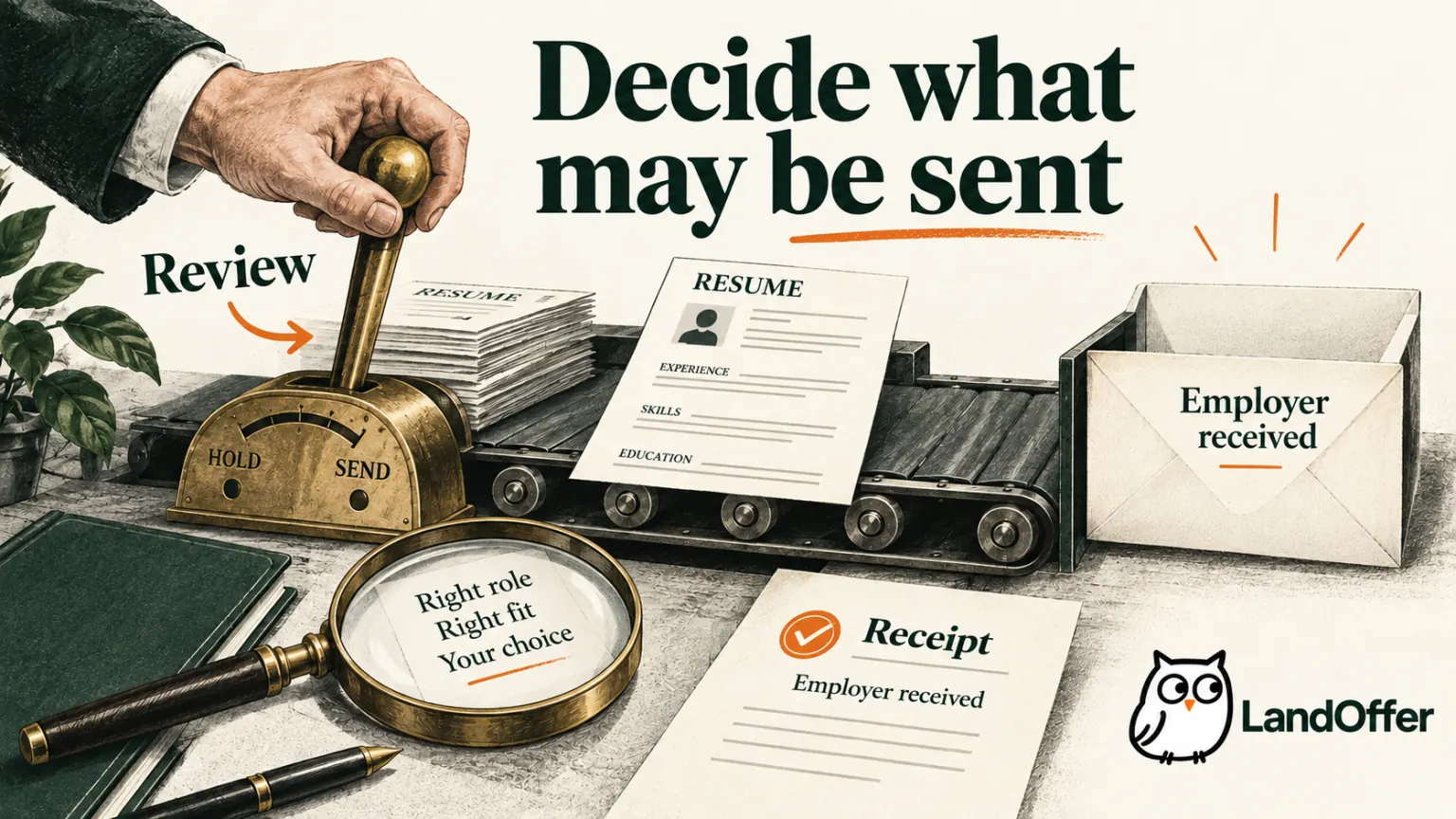
“Auto-apply” can describe several different arrangements. An extension may populate fields while you remain on the employer page. Another service may complete a job you select and submit without showing a final preview. A third may choose jobs from a standing set of preferences and submit them on a schedule. These modes delegate different decisions, even if their marketing uses similar language.
Simplify makes one useful documented distinction: its Copilot instructions describe applicant review and submission, while Autopilot can submit a selected role without a final review step. Autopilot access is described as a limited beta. This establishes a mode difference, not a reliability comparison or a guarantee that a particular account can use it.
LandOffer's privacy page likewise describes a distinction between form filling and opt-in cloud submission. It also describes canceling a run before submission. These are published descriptions; they do not prove that every control is available in your account or works as expected under every failure condition. Check the enabled mode before assuming you can review the application before it is sent.
Write the permission in a sentence you can explain: “This tool may prepare fields, but I submit,” or “This tool may submit only the individual role I select.” If your intended boundary differs from the service's documented behavior, use a less autonomous mode or another method. A final-review requirement is not satisfied by a page you can inspect only after sending.
Use a checklist with clear acceptance conditions
The checklist below is an editorial buying framework, not a claim that any named product passes. Ask for documentation or an account-visible demonstration. Treat an unanswered control question as unknown rather than assuming the most favorable behavior.
| Check | Evidence to look for | A reason to pause |
|---|---|---|
| Job selection | Exact selected role or explicit standing selection rules | A broad preference silently authorizes unrelated jobs |
| Submission permission | Clear distinction between preparation and sending | The interface's mode is ambiguous |
| Answers and documents | Inspectable profile, resume choice and generated changes | The tool invents facts or hides the submitted file |
| Exceptions | Defined handling of missing or conflicting answers | Uncertainty is resolved by guessing |
| Duplicate prevention | Recognition of the same employer requisition across sources | Repeated attempts are counted as new opportunities |
| Stop behavior | Clear effect on queued, running and future jobs | Pausing future selection is described as undoing a submission |
| Result evidence | Employer response tied to the correct role and attempt | Only a tool-generated success badge exists |
A vendor's explanation should match the scope you intend to use. For example, stopping tomorrow's scheduled queue does not establish whether a run already in progress will stop. Canceling a queued job does not withdraw an application already received by the employer. Those are separate actions, and a service should not blur them under one reassuring “pause” label.
Do not test every boundary by sending speculative applications. Start with the documented settings, available previews and an authorized demonstration environment when one exists. A real application is appropriate only when you genuinely want that role and have chosen to submit it. You can reject a tool for insufficient clarity without first creating a problem to investigate.
Inspect answers by meaning, not by whether fields are filled
Autofill accuracy is not just spelling. Employment dates, work authorization, sponsorship, location and compensation questions can have different meanings across employers. A value that was correct for one question may be wrong for a similar-looking question elsewhere. Separate a confirmed reusable fact from a decision that depends on the current wording.
For example, “Are you authorized to work here?” and “Will you require sponsorship now or in the future?” are different questions. A system should not derive one answer from the other just because both concern employment eligibility. The applicant should provide the truthful answer appropriate to the exact question; this guide does not infer anyone's status or give immigration advice.
Company-specific essays create another failure mode. A saved explanation of why you admire one employer may be grammatically appropriate but factually wrong on a second application. Check named companies, products, locations and responsibilities. Reusing a structure can be reasonable; reusing unsupported enthusiasm or an obsolete company name is not a completed review.
Resume preparation also deserves a separate check. Confirm which file will be attached, whether the agent changes it, and whether you can retrieve that version later. A tool that can tailor a resume should make it possible to inspect the resulting claims. Missing keywords do not authorize adding projects, credentials or years of experience that you do not have.
Consider this fictional configuration example. Leah wants remote individual-contributor backend jobs and has approved leah-backend-v3.pdf. Her saved profile contains factual employment dates, but a salary expectation remains undecided. An acceptable workflow leaves the unresolved answer for Leah or stops with an explanation. A workflow that invents a number to finish the form fails her chosen boundary, even if every required field becomes green.
Her decision is therefore specific: she may use prepared answers for verified recurring facts, but she does not authorize guessed compensation or automatically rewritten experience. If the product cannot express that distinction, she keeps review before submission. The outcome is a defined control model, not a hypothetical promise of perfect automation.
Distinguish the run log from employer receipt
A tool can know that it opened a page or clicked a button without knowing that the employer accepted the application. A log of those actions is useful for diagnosis, but it is not interchangeable with an employer acknowledgement. A browser can also display a validation error after the click, leaving the application incomplete.
Greenhouse's confirmation-page documentation describes a page that confirms the organization's receipt and can be customized per job board. That explains why a confirmation can be useful evidence while its wording varies. It does not establish that every employer uses identical messages or sends an email for every successful submission.
Ask what the service retains: selected job, employer requisition ID when available, start time, submitted document version, final outcome, and an employer-side response. A screenshot can help, but inspect what it actually shows. A form with completed fields is evidence of preparation; a page explicitly acknowledging receipt supports a different conclusion. Neither proves that a recruiter has reviewed the application.
The email address used for the application matters too. If the service supplies an application mailbox, understand how you receive employer messages, how long messages remain accessible, and what happens after you stop using the service. An application process can continue after the initial submission, so future access is part of the purchase decision rather than a minor convenience.
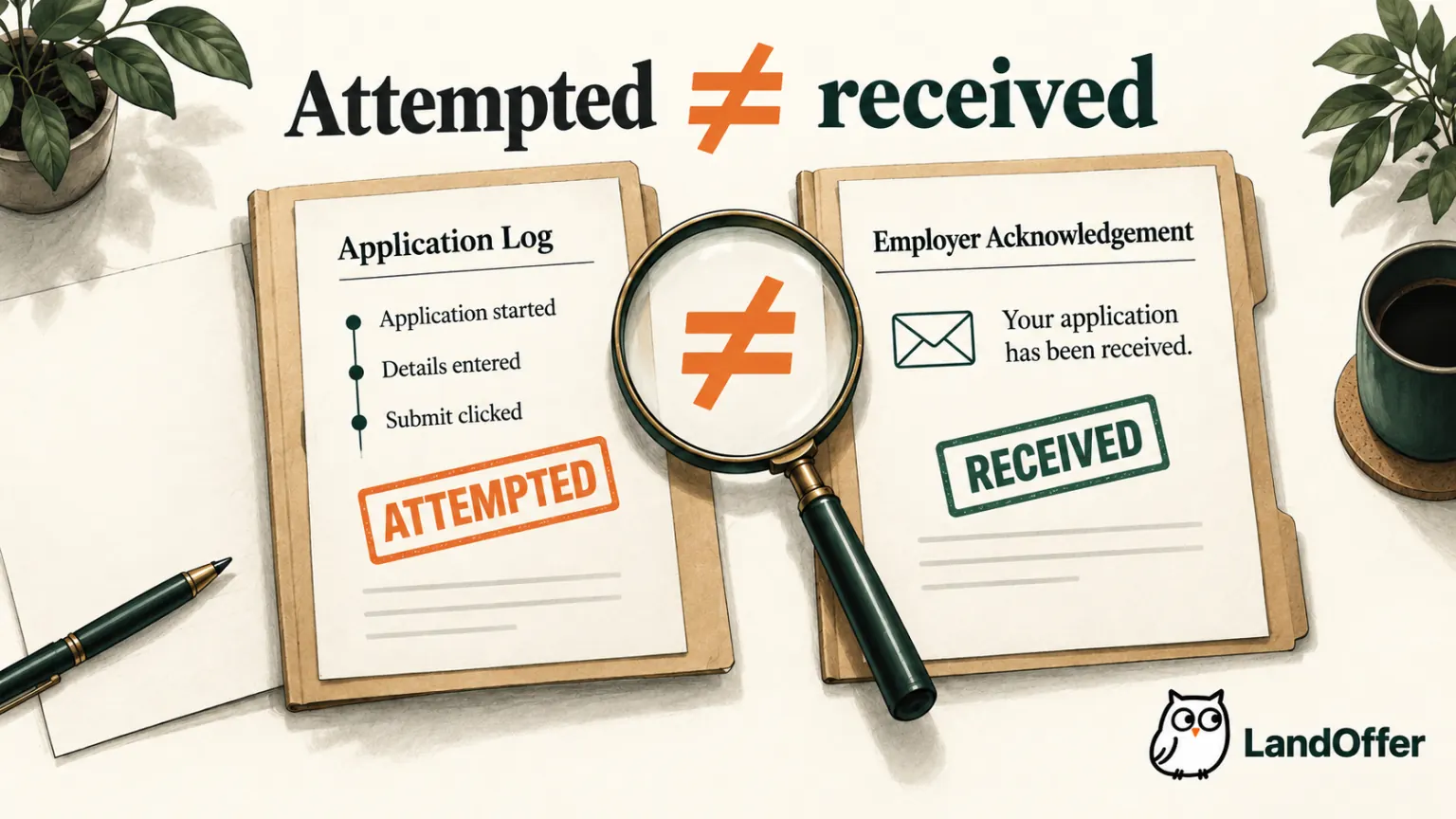
Before relying on stored evidence, check whether you can export it and read it after a subscription ends. Keep a copy of the final resume and the employer acknowledgement in your own application record when the service permits it. Stopping the agent, deleting its stored files and withdrawing an employer application are different actions. Ask which action each control performs, rather than assuming that removing a dashboard record reverses what was sent.
Resolve an uncertain attempt before retrying
Here is a fictional incident timeline, not an observation of a named tool. An agent prepares Leah's application for North Harbor's requisition NH-62. Its own run log records an attempted submission at 10:14. The page then times out. The dashboard displays “completed,” but there is no retained employer acknowledgement.
At that point, the defensible record is submission uncertain. Leah pauses another attempt for NH-62 and checks the employer portal and the email address used. At 10:20 she finds an acknowledgement naming that same role and requisition. She records receipt, attaches the message reference to her notes, and does not apply again. The delay did not prove failure; the later employer evidence resolved the uncertainty.
If instead the retained page showed a required-question error and the employer portal showed an incomplete draft, Leah would have a different result: the application still needs correction and submission. If neither source resolved the event, she would retain “uncertain” and use the employer's support route when necessary. Repeating the click solely to improve the dashboard count would not establish what happened.
| Evidence found after a stalled attempt | Record supported by that evidence | Next action in this example |
|---|---|---|
| Employer acknowledgement for NH-62 | Received | Keep the receipt; suppress duplicate retry |
| Explicit form error and incomplete employer draft | Incomplete | Correct the issue, then review the submission |
| Only the agent's action log | Uncertain | Investigate before another attempt |
This recovery rule should work across tools. Maintain job identity using employer and requisition, not just title: several roles can share “Software Engineer,” and one role can appear on multiple boards. A duplicate warning is meaningful only if it recognizes the relevant identity. Conversely, two genuinely different requisitions should not be merged merely because their titles match.
Decide whether the service reduces your total work
After control and evidence requirements are satisfied, evaluate convenience and cost. Read the current plan's unit of usage: attempted jobs, successful submissions, credits, or time. Ask how failed and duplicate attempts are handled. Two plans with the same headline number can provide different value if their accounting rules differ. Avoid interpreting a marketing allowance as a prediction of suitable applications.
Include time spent checking results, correcting profile errors, answering exceptions and managing the mailbox. A service that leaves many results uncertain can create a new queue of applications to investigate. A more limited reviewed workflow can be preferable when you apply selectively or when employer-specific questions require careful attention.
For an initial decision, define a small set of roles you genuinely want and your nonnegotiable controls. You might require a particular resume, no guessed eligibility answers, a visible job identity and a retained final response. Decide what would make you stop before you encounter it. This keeps a trial from becoming a commitment simply because the dashboard is accumulating activity.
Keep your current process if it already handles a manageable shortlist accurately. Automation is most useful when the work is repeatable and the resulting evidence remains understandable. It is less attractive when the selected roles vary sharply, every application needs a new narrative, or you are unwilling to delegate final submission.
Before enabling an auto-apply mode, complete the permission sentence and the seven checklist rows above. Then choose a role you actually want from your existing shortlist or browse recent roles on LandOffer. Confirm the employer's requirements and the exact submission boundary before allowing any tool to send your application.
Sources and Further Reading
- Simplify Copilot instructions — documented applicant-reviewed flow.
- Simplify Autopilot guide — different submission model and beta access.
- Greenhouse application confirmation page — employer acknowledgement and customizable wording.
- LandOffer privacy — published application-processing modes and retained data.